Better evidence, faster outcomes
An OmaScan assessment file contains verified measurements, photos, and the 3D record of the space, complete against the referral and signed by the clinician. We work inside of your existing templates, not replace them.
OmaScan never does the assessments and never sells the modifications · Clinician sign-off on every report · Encrypted on the device, in transit and at rest
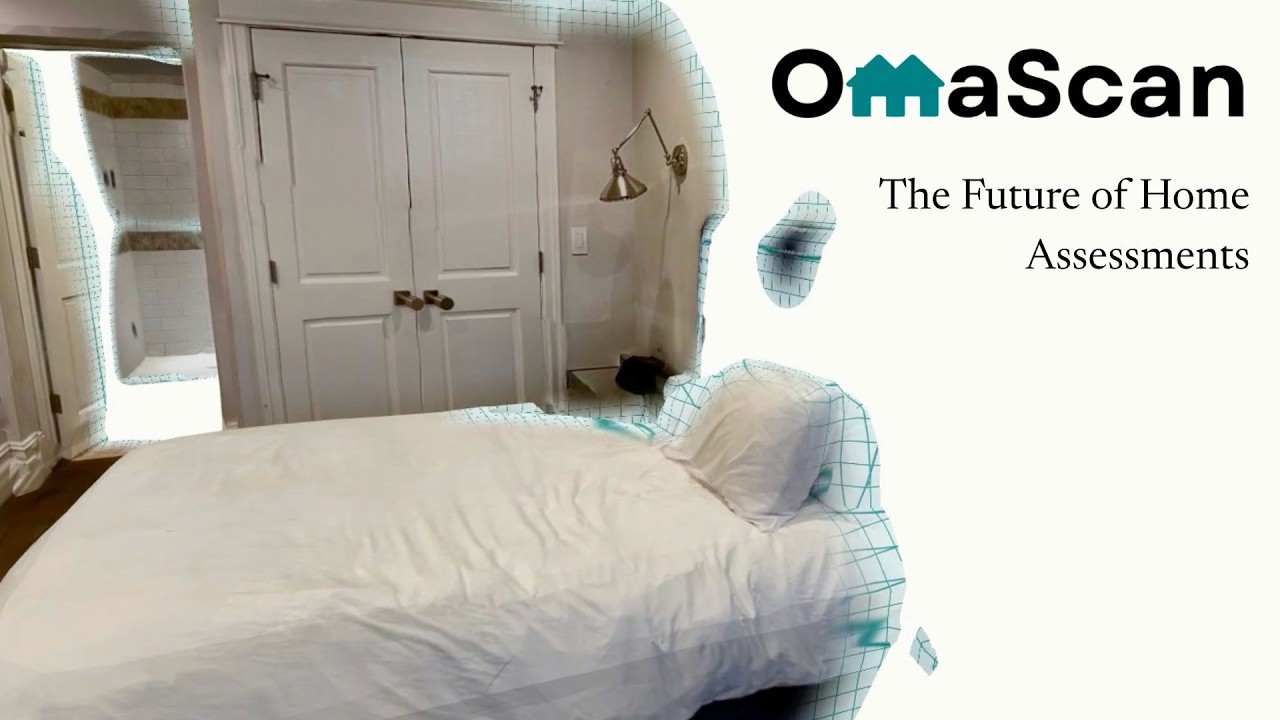
Without OmaScan
With OmaScan
- Drive out to see the homeSee the home from your desk
- A second visit for one measurementLook the measurement up in the model
- Physical sketches and notesPhotos, measurements and a 3D record
- Quotes wait on a site visitQuotes come from the file
- Difficult to approve work eligibilityEligibility is clear at intake
- Numbers with no sourceEvery fact carries its source
- No record of who captured what, or whenEvery capture stamped with who, when and how
Built for procurement.
Common questions
How long is assessment data kept?
Assessments are retained for ten years by default. If your organization needs a different retention period, we will set that up with you.
Where does our data go, and is it used to train AI?
Your data stays contained within OmaScan. Nothing captured during an assessment is sent to public AI services or used as training data, and everything is stored on secure servers the same way your scans are.
Do we need client consent before recording a visit?
Yes. Audio and video capture requires the client's consent, the same as any other recording you would make during a visit.
See what this would mean for your team.
A 15-minute call where we work through your assessment process together. If OmaScan wouldn't help, we'll say so.
Thanks. Now pick a time.
The calendar should have opened. If it didn't, the button below brings it back.