The Future of Home Assessments is 3D
OmaScan is the home assessment app for OTs, vendors and funders. Capture the home once, get the report drafted, and design, quote and approve from anywhere.
How it works
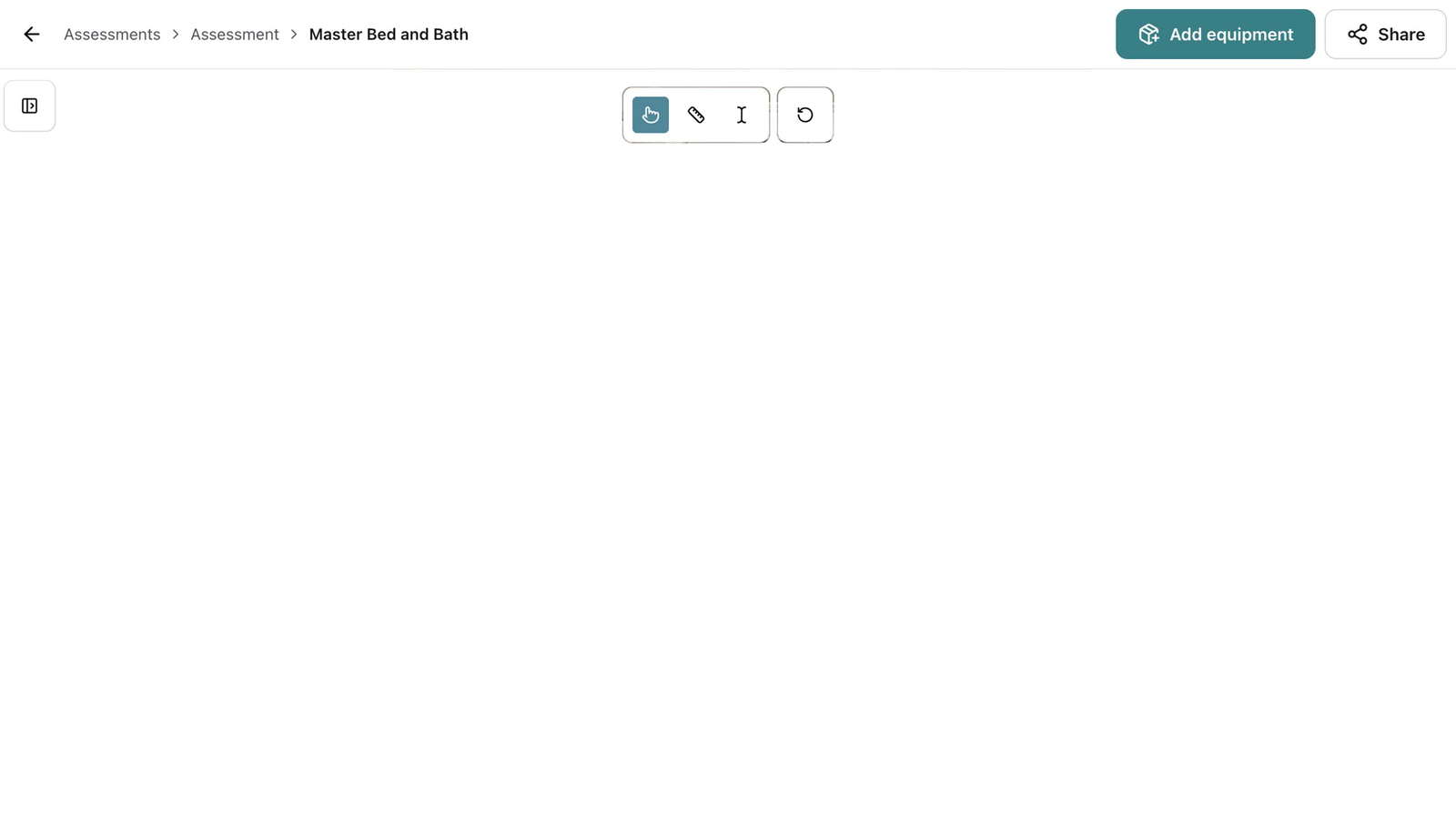
Use Case Gallery
-
Ramps and Entryways
Check the rise, the run and the landing from the scan before anyone quotes the ramp.
-
Remote Assessments
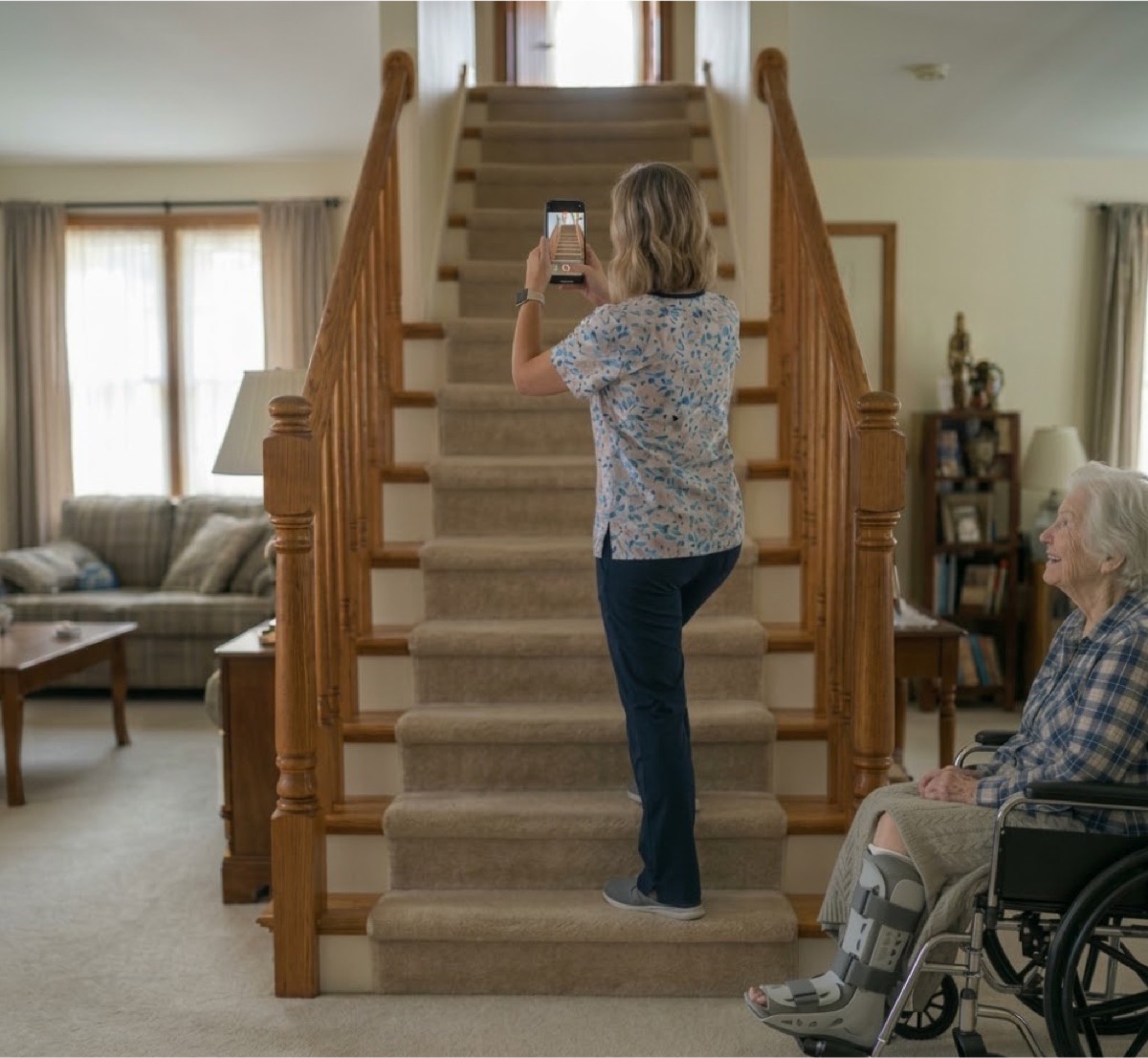
The client, their family or a tech in the community scans the home with a phone, and you assess it from anywhere.
-
Reducing Travel Time
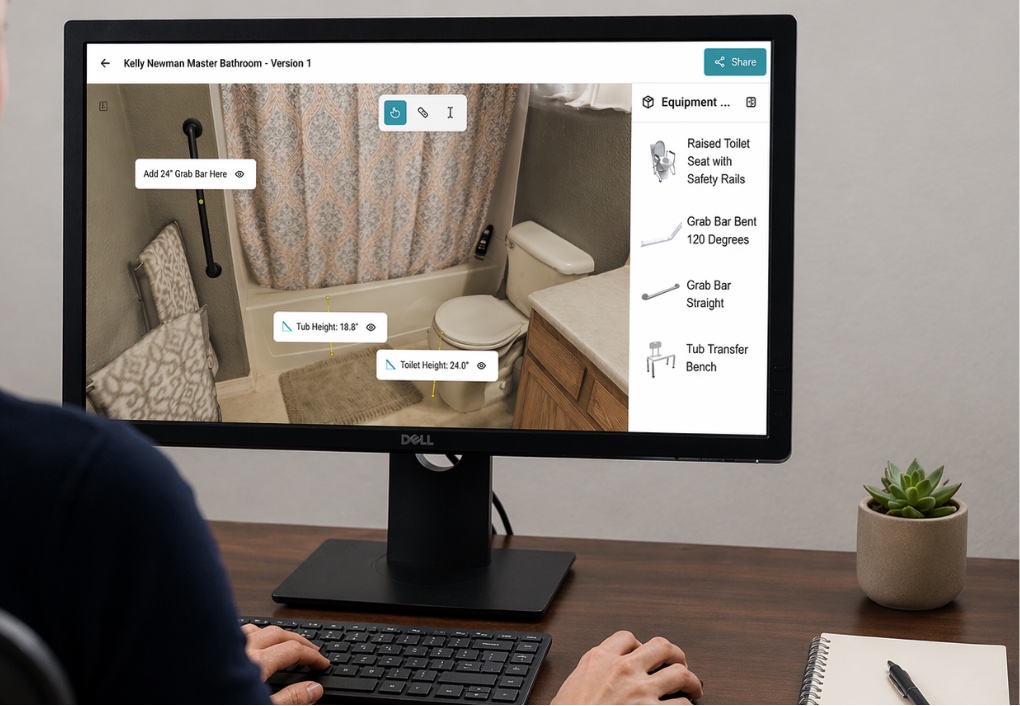
Measure the bathroom from your desk instead of driving back for the number you missed.
-
Improved Client Buy-in
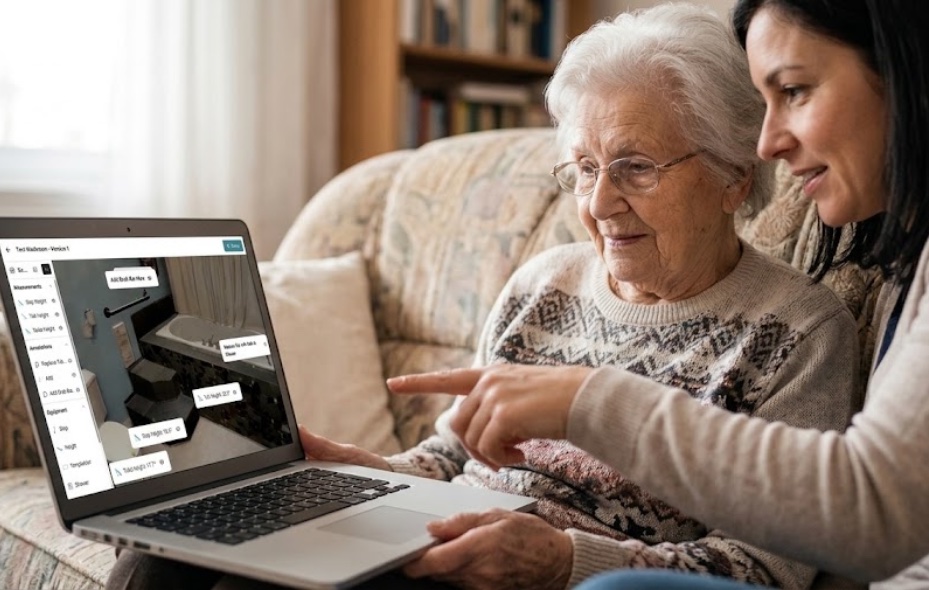
Show the client the grab bar on their own bathroom wall, and answer their questions while they are looking at it.
What pilot users say.
-
“It’s saving me time. I don’t have to go back to the client’s home and take my measurements again... I can go to my scan, look at the measurements, and see, yes, it’s possible to put equipment there or not.”
Pilot user, New Brunswick -
“He’s in Fredericton and usually we’re saying, hey, can you come to Moncton to see this client with us? And now we’re going to say, actually, we’ll just send the house to you!”
Pilot user, New Brunswick -
“As soon as you say ’you need to make enough space for a walker,’ they can’t even conceptualize it... when you show them the 3D scan, it’s hard evidence that ’my current space is not going to function for me.’”
Pilot user, British Columbia
Common questions.
Will it make the clinical call?
No. OmaScan AI can only summarize information that you capture, and will never make recommendations. When it drafts reports, you can track where every piece of information comes from. You review, edit and approve everything.
Can it fill in my own report templates and funder forms?
Yes. OmaScan AI drafts into the report format and funder forms you already use, so nothing changes for the people who read them.
Is it accurate?
Yes. A University of Exeter study ran phone LiDAR through a real house and found it as close to the tape measure as a professional Leica scanner, and more accurate in low light. A separate peer-reviewed evaluation put the iPhone's LiDAR within about a centimetre. And you still read every number before you sign.
What device do I need?
Any iPhone or iPad. Notes, voice, photos and measurements work on all of them, and the 3D scan and floor plan need a Pro model with the LiDAR sensor (an iPhone Pro or an iPad Pro from 2020 or later). Everything after the visit happens in your browser, and the people you share a case with open a link.
Does it work in homes with no signal?
You can capture everything offline. The AI documentation features need a connection, so they will run once you are back in range.